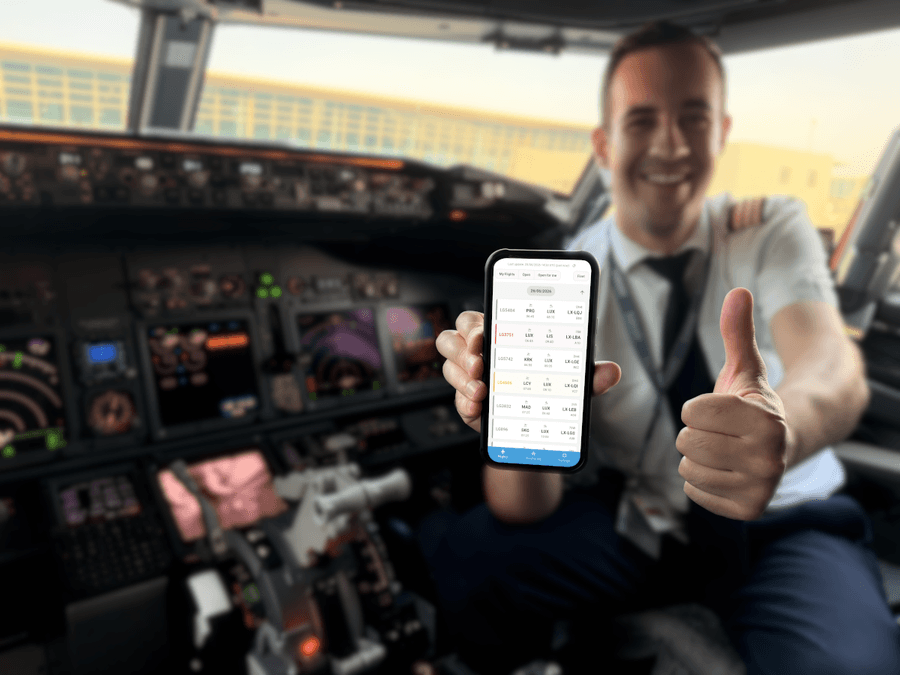
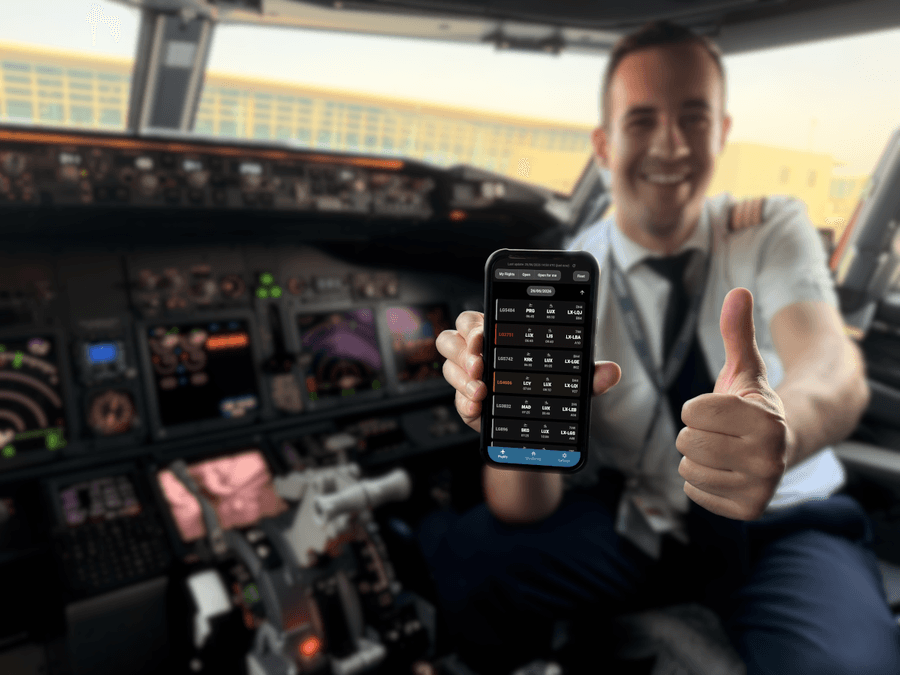
Your Standby Duty,
Perfectly Managed.
 ezSTBY is the app that makes your standby duties ez.
Keep track of your flights, monitor crew shortages, and get notified before you're even called out of standby.
What can it do for me?From manual checks to proactive operational awareness
Experience the difference of modern tooling exclusively designed for airline crews.
Crew Satisfaction & Punctuality
- Save time: No need to constantly check flight updates manually.
- Stay relaxed: Flight monitoring runs automatically in the background.
- Reduce stress: Get notified early when something changes.
- Stay informed: Minimise report-time surprises and delays.
- Stay in control: Modern tools reduce roster uncertainty and improve confidence.
Active Notifications
One-Tap Access
Offline Availability
Built for Crew Life. See it in action.
Everything you need to stay ahead, beautifully organised in one place.
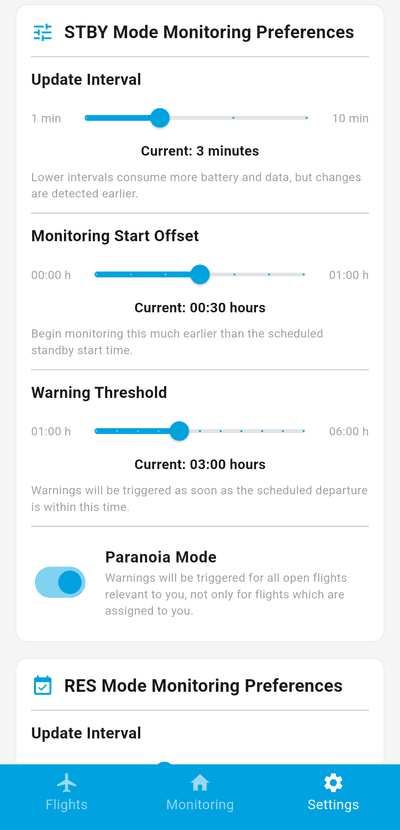
Standby & Reserve Monitoring: Set It and Rest
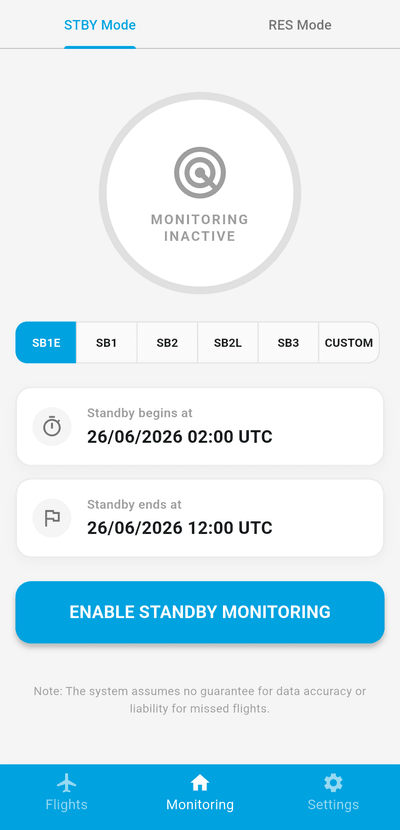
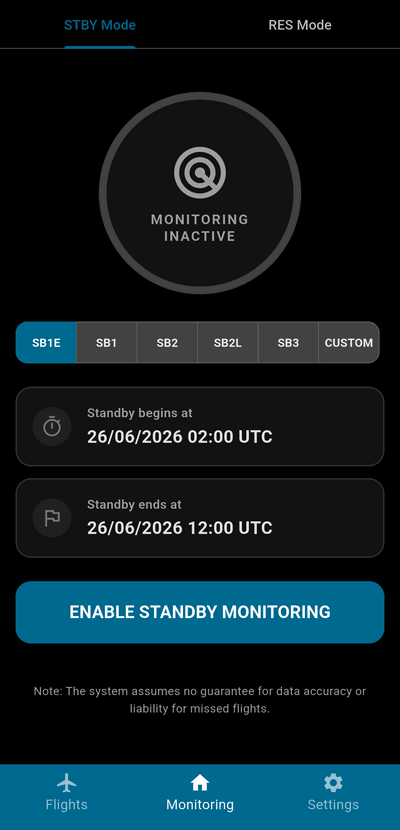
Whether you're on standby or have a reserve day ahead: Activate monitoring and ezSTBY checks the flight list for you and notifies you when needed.
- Automatically receive notifications when getting listed for duty.
- "Paranoia Mode" additionally activates notifications for relevant understaffed flights.
- Periodically downloads the latest flight list from the airline's server.
- Monitoring starts and stops automatically with your standby window.
- Distinct monitoring modes for standby and reserve days.
Made to Fit You. Built with Privacy in Mind
Set your fleet, position, and preferences. ezSTBY notifies you exactly when you want.
- Highly configurable check intervals and notification thresholds:
Get alerted right when you need it, not too early or too late. - Customise sound, vibration and other settings for each notification type.
- Full settings backup & restore via encrypted file or QR code.
- No third-party servers. No tracking. No data collection.
Three-Day Flight List
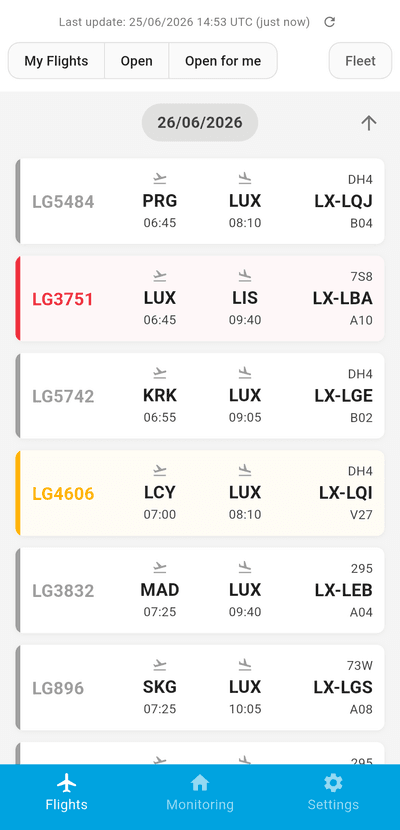
Three days of flights in one view and without opening a browser or tedious login processes.
- Color-coded cards make it easy to identify relevant crew shortages.
- Blue – your flight
- Yellow – crew shortage (not your position)
- Red – open position matching your fleet and role
- Filter by status and/or fleet type.
- Last data update timestamp always visible. Pull to refresh anytime.
- Data is cached locally and available in flight mode or without internet connection.
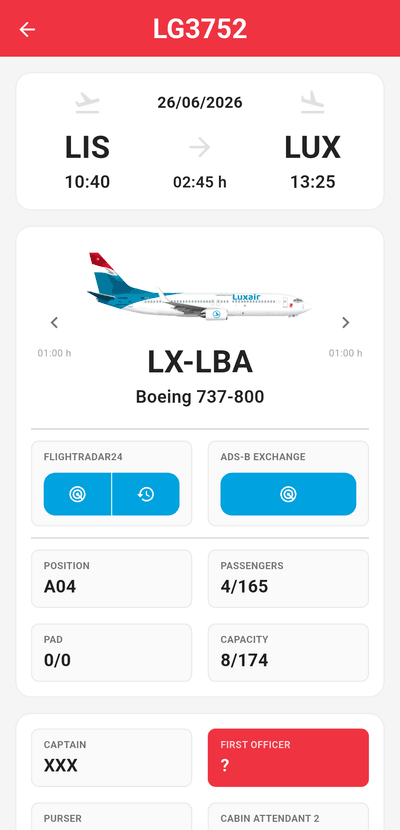
Full Flight Details
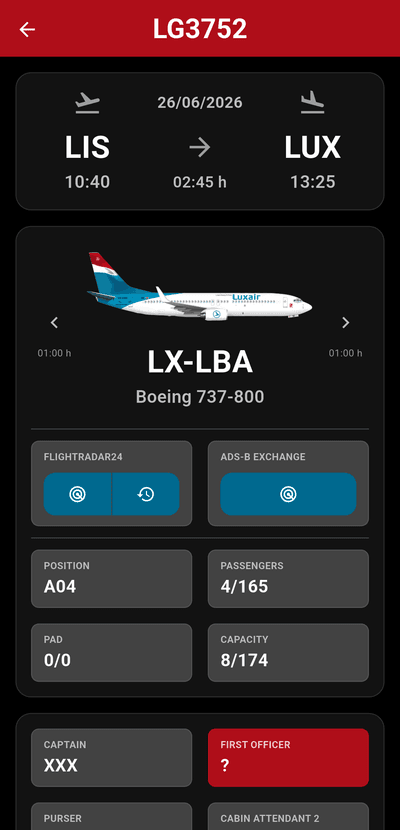
Tap any flight to see more details.
- Live tracking links to Flightradar24 and ADS-B Exchange.
- Turnaround times are calculated. Next or previous flight of the aircraft easily accessible.
- Additional information regarding Aircraft and Crew.
- If on standby, the duty time limit is calculated and exceedance warning is shown.
Keep Family and Friends in the Loop
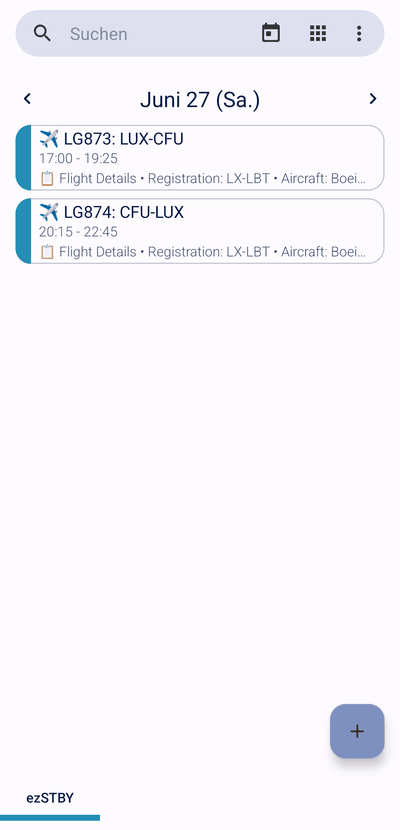
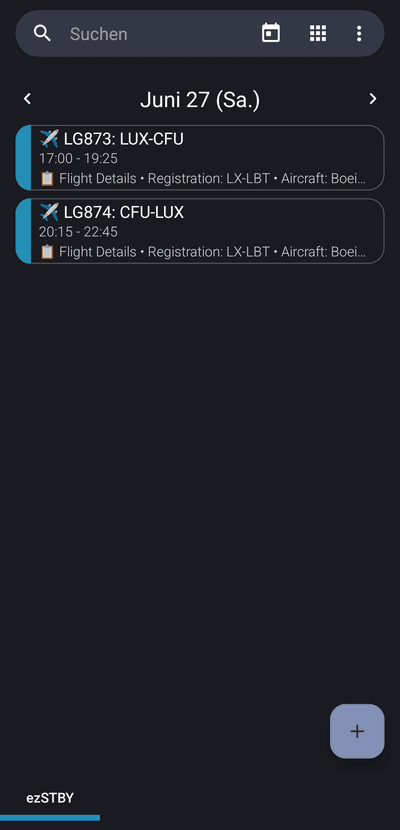
When enabled, assigned flights are automatically synchronised to your device calendar. Share the calendar with family or friends and they always know where you're flying to.
- Supports any calendar on your device: Google Calendar, local or shared calendars.
- Events include flight number, route, block times, aircraft, and links to track your flights.
- Flight list changes are reflected immediately and old events are removed.
Download ezSTBY
ezSTBY is built for every major mobile platform. Download the app and take control of your standby duties.
Open Source
The code is hosted on GitLab. You can view the source and find all releases there.
Frequently Asked Questions
Answers to common setup and troubleshooting questions.
Right now, only Luxair.
If you're not Luxair crew, please don't download it. It won't be useful for you (yet).
For Microsoft Login, just enter your normal company Microsoft email and password: the same one you'd use for Outlook or Teams. No URL needed there.
For CrewDoc Login, you still need the CrewDoc Base URL, which is usually a subdomain of your airline's own domain.
For example, if your airline's domain were airline.com, the CrewDoc URL would look like https://crewdoc.airline.com.
This is just an illustrative example. Enter the real address used by your airline.
Not sure what to enter? Ask a colleague who already uses the app.
If your Microsoft account has multi-factor authentication (MFA), you'll be asked to approve the sign-in in the Microsoft Authenticator app (enter the number shown, or just approve the push). Background monitoring never interrupts you for this: it renews your session silently while it's still valid, and only asks again when Microsoft requires it.
ezSTBY creates several distinct Android notification channels: One per duty-event type, so you can tune each independently.
To customise sound & vibration:
- Open Settings → Apps → ezSTBY → Notifications
- Tap the channel you want to change
- Set your preferred sound and vibration pattern
| Channel | Triggered when |
|---|---|
| Flight Alerts | A flight is assigned to you |
| Open Flight Alerts | An open, understaffed flight matches your fleet or position |
| Open Flight Resolved | An open flight you were alerted about got assigned to someone else |
| Monitoring Started / Ended | STBY monitoring turns on or off automatically |
| Reserve Check Started | A Reserve Day check begins |
| Reserve Flight Assigned | You're assigned a flight during a Reserve Day |
| Reserve Day Result | The final Reserve Day summary is ready |
| Monitoring Problems | STBY/RES is running but can't sign in |
| Flight Alerts / Reserve Flight Assigned (Alarm) | Same alerts, but at alarm volume, when "Alarm-style alerts" is turned on (Settings → Notifications) |
This is almost always caused by Android's battery optimisation pausing the background service.
Quick fix (recommended)
Open ezSTBY → Settings → Background Reliability. If it shows:
Battery optimisation is still active. Android may stop background monitoring and delay or block notifications.
Tap Disable Battery Optimization: It opens Android's official permission dialog directly, no manual navigation required.
Manual fix (alternative)
Settings → Apps → ezSTBY → Battery → change from Optimized to Unrestricted.
| Status shown in the app | Meaning |
|---|---|
| ✅ Battery optimisation is disabled for ezSTBY | Background monitoring should run reliably |
| ⚠️ Battery optimisation is still active | Notifications may be delayed or blocked |
The app automatically re-checks this status whenever you return to it. If you change the setting outside the app, the Settings screen updates on its own.
ezSTBY logs into Microsoft and CrewDoc to work. If the airline or Microsoft changes the login process or either website, the app may stop working correctly. This is outside the developer's control and can happen without warning, so continuous functionality can't be guaranteed. The developer will do their best to fix compatibility issues, but a fix or update can't be guaranteed either.
The flight data shown comes directly from the airline's systems and can occasionally be incomplete or incorrect.
No guarantee is given for accuracy, availability, or fitness for any particular purpose.
Official activation from standby still happens by phone call from Crew Control. ezSTBY is a notification aid, not a replacement for that call.